Focus one
Structured simplicity. Get done more.
Tasks & Planner

For macOS & iOS
Areas as a core concept
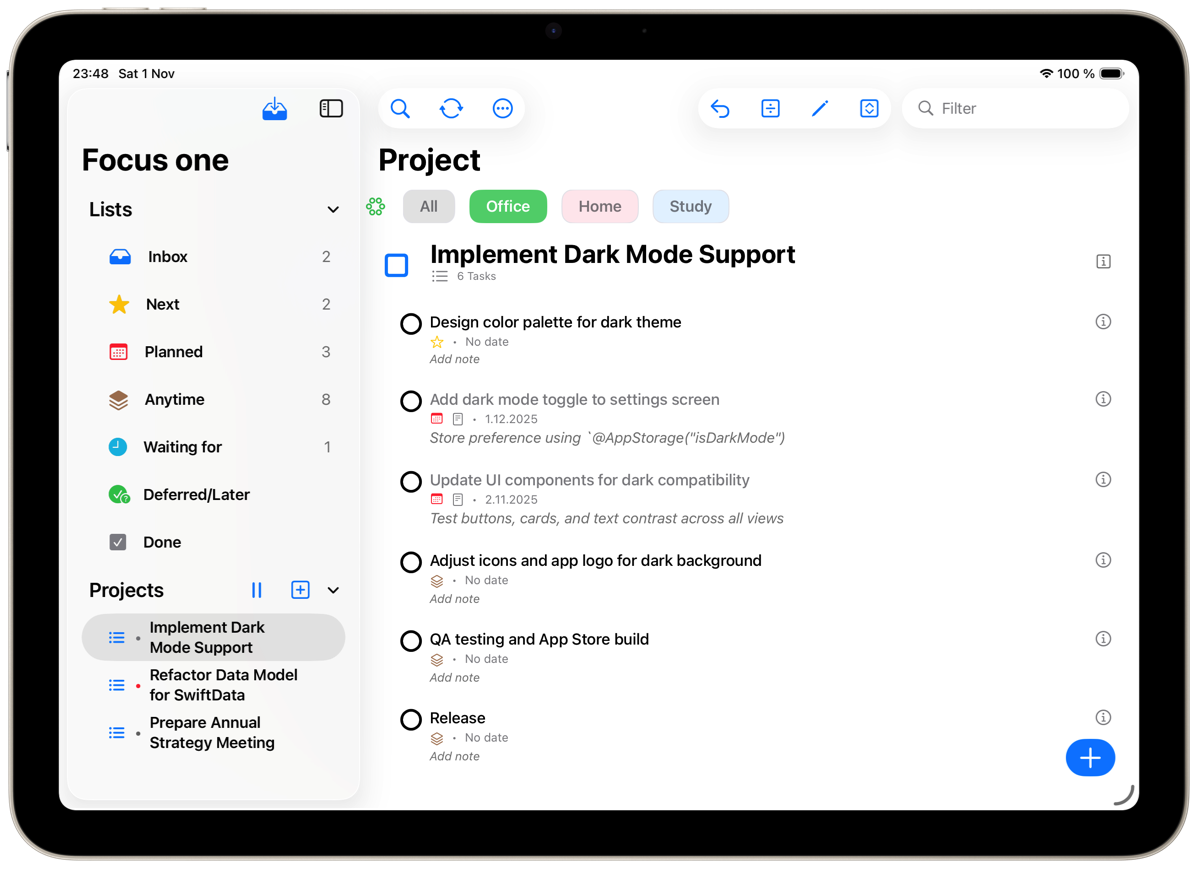
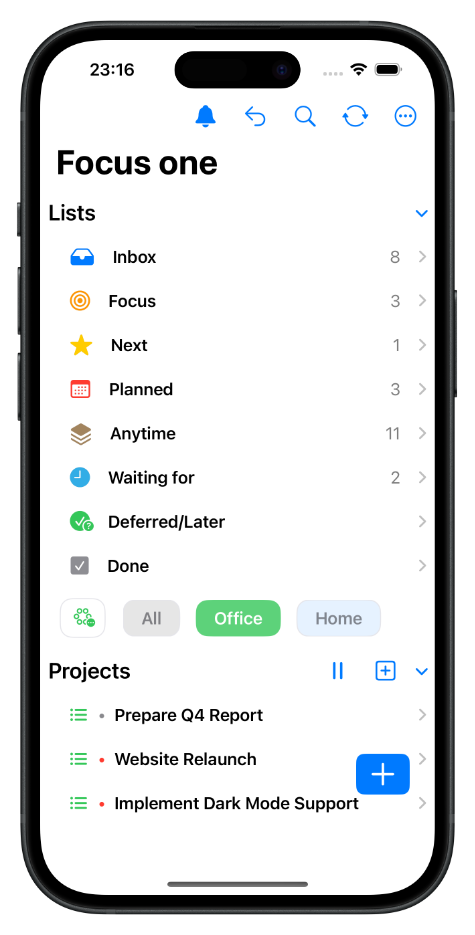
Switch to an Area and you only see the tasks and projects that belong to it — much stronger separation and focus than a loose grouping.
Built-in project reviews
Each project can have its own review interval — days, weeks, or months. When a review is due, the project is clearly marked.
Privacy by design
Focus one syncs via iCloud — your data lives in your own iCloud container. No accounts, no external backend, no tracking.
Explicit focus
Mark tasks as "Focus" and find them in a dedicated Focus list, per Area or across all Areas.
Your personal task manager for iPhone, iPad, and Mac. Focus one brings clarity to your tasks, projects, and goals, helping you focus on what truly matters while keeping the bigger picture in view — with structured projects, context-based “Areas,” and seamless iCloud sync.
Who is Focus one for?
Focus one is made for individuals who value clarity, focus, and structured simplicity — people who want to get things done without the noise of overcomplicated tools: creatives and professionals juggling projects, students and learners balancing studies and personal goals, Apple enthusiasts who love clean, native design, and anyone who prefers structure and focus in daily life.
How it works
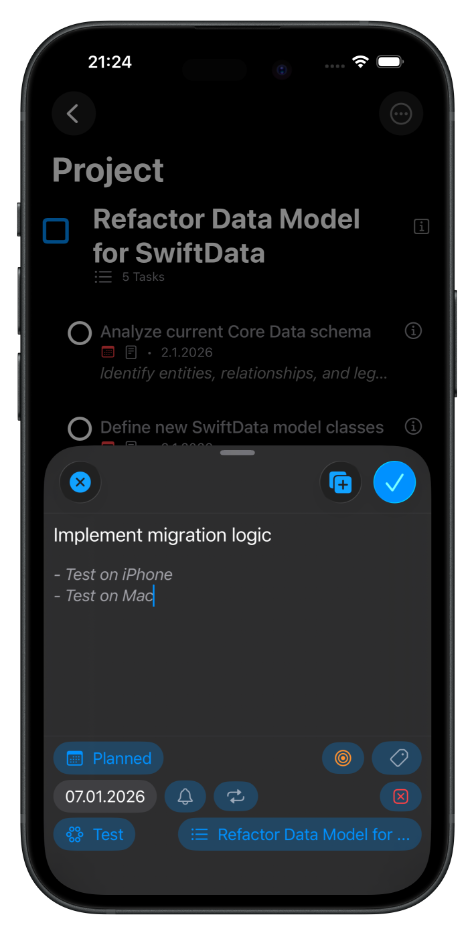
- Collect — capture everything that needs your attention in one inbox.
- Organize — turn ideas into actions, grouped by projects or Areas.
- Focus — see only what matters next.
- Complete — check off tasks and watch your progress grow.
One price, all platforms: Focus one is available on iPhone, iPad and Mac, as a subscription or a one-time lifetime purchase — both include all platforms.
Available on the App Store for iPhone, iPad & Mac.