
Activity monitor
Sometimes, if an app stucks, you have to kill it via the Activity Monitor. Here is how:
In the example, you wanna close “Netmo Classic” (or just enter the name of the app you want to close)
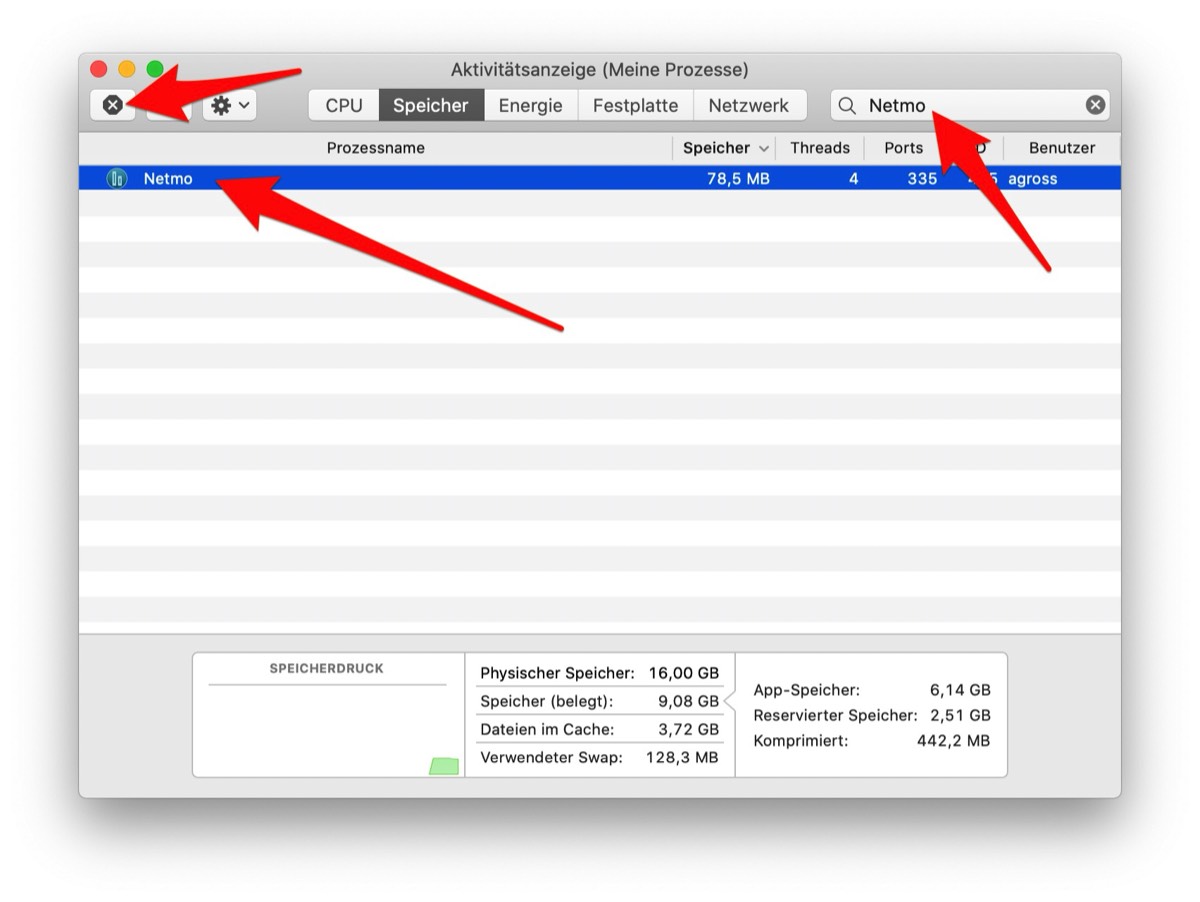
- Open Activity monitor (Applications -> Utilities -> Activity Monitor)
- Type “Netmo Classic” into the upper right textfield
- If Netmo Classic is running, only one line will remain
- Kill the app, by clicking the Button “x”